 HOME CONTACT SUPPORT SENSORYTEST.COM
 | |||
|
|
HOME CONTACT SUPPORT SENSORYTEST.COM |
|
Sensory testing professional's favorite virtual desktop. Say hello to SIMS Cloud Systems. From any device, any laptop, any iPad and even your cell phone. Log in from anywhere anytime. Inquire today. 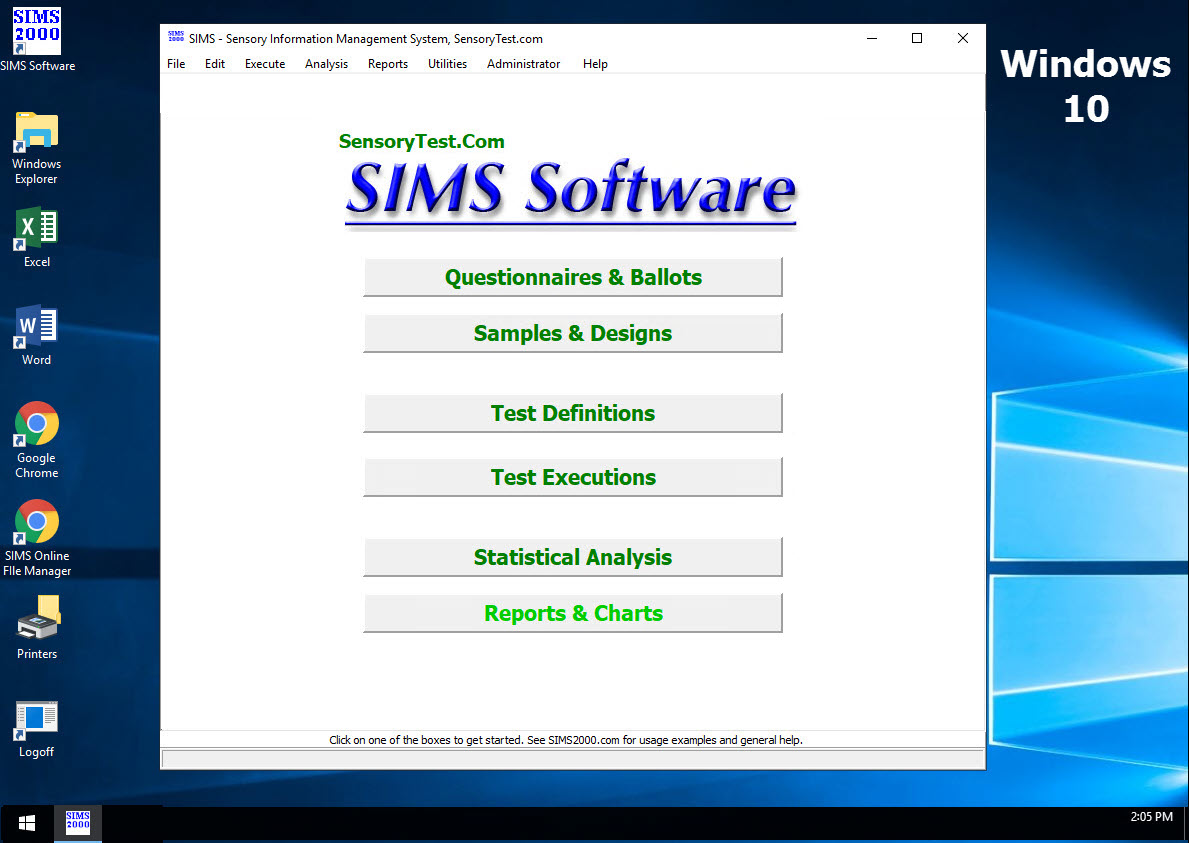
|
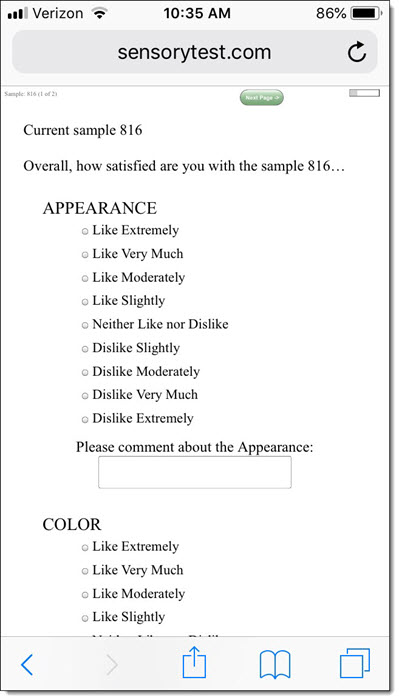
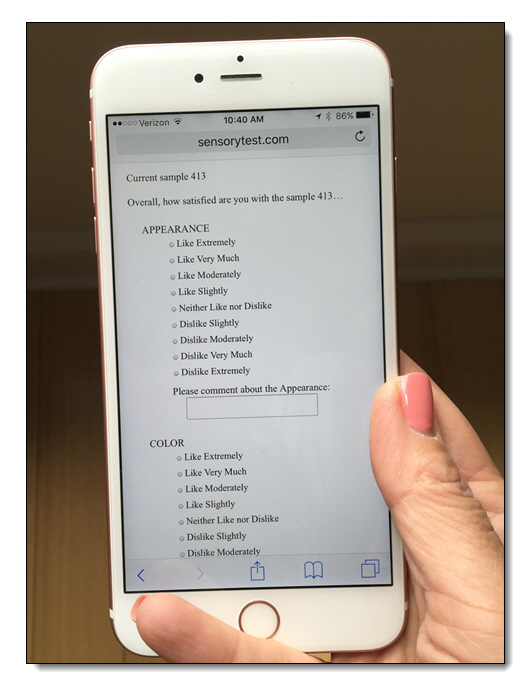
Mobile devices real test example Point your cell phone camera Easy for your respondents 
Link |
 VIEW REPORTS
 |
QUESTION CHOICES |
TEST CHOICES |
|
Mobile Cell Phones, iPhones, Apple iPads, Android, Macbooks, Mobile devices and Remote desktops, Desktop Virtualization
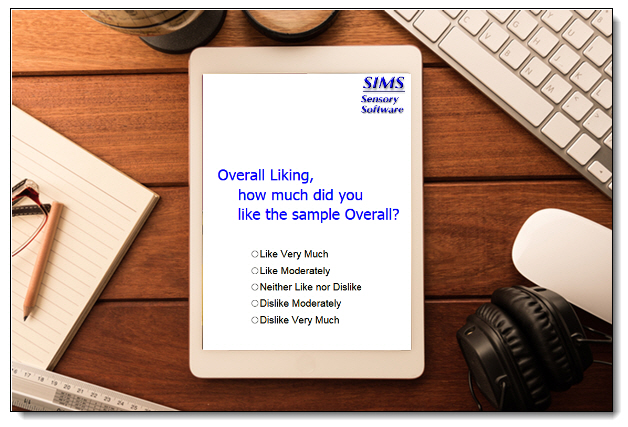
SIMS Cloud fully supports 100% Apple OS X computers based organizations. Mobile Cell Phones, iPhones, Apple iPads, Android, Macbooks, etc. can all be used as online internet panelist devices for your SIMS Cloud Tests, Home Use Tests and Central Location Tests.
Test drive a real Mobile Cell Phone Optimized SIMS Test, click Mobile Test Link SIMS software express package file: MOBILE.SIMS2000ExpressPackage.sql.ZIP
SIMS Cloud - Professional Access via Apple Macbooks and Apple iPads using Microsoft Remote Desktop OS X and IOS App 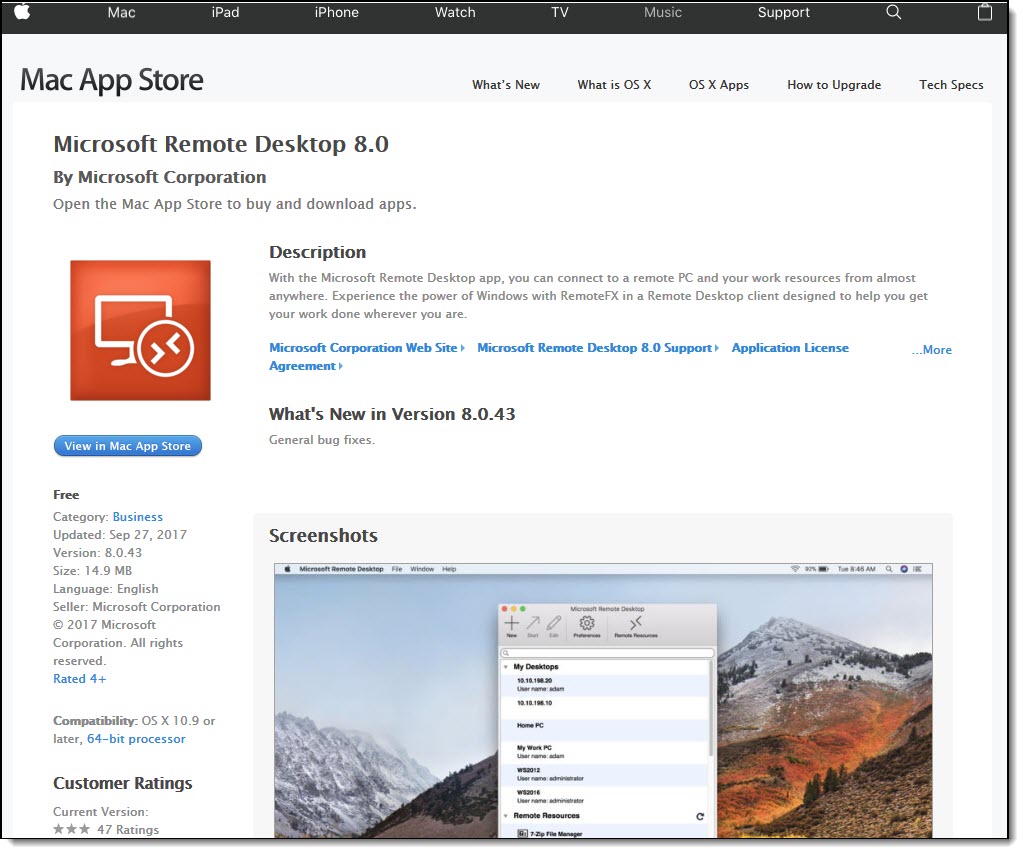
https://itunes.apple.com/us/app/microsoft-remote-desktop 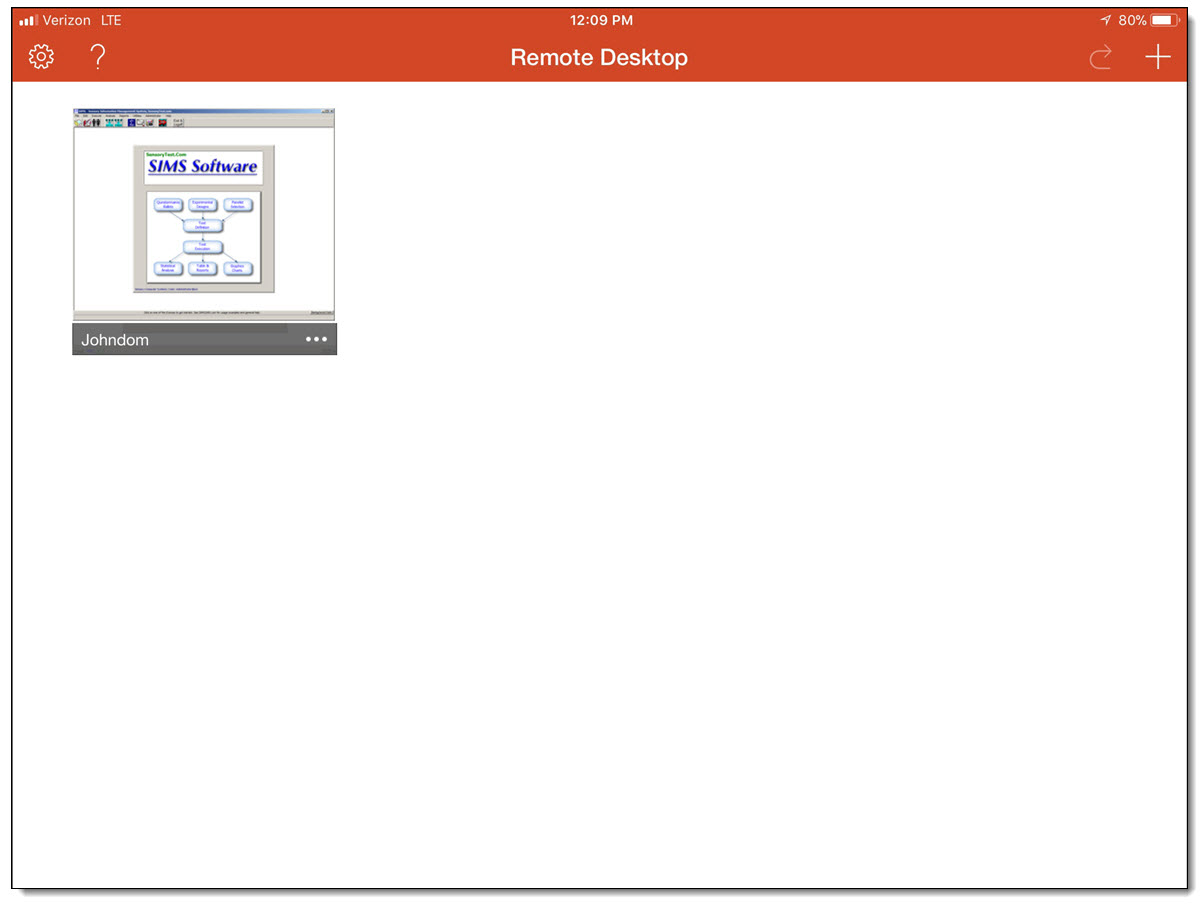
Try a SIMS on line test right now: Start SIMS Test
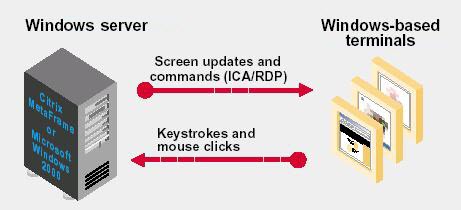
Simple Remote virtual desktops served up by the popular virtual desktop solutions from Microsoft Remote Desktop for OS X, Citrix Receiver, VMware, etc. and data hosted locally within your organization. Your IS/IT collegues can set up your iPads to work at your onsite locations just like any other thin client PC. It's easy.
The links above are for informational reading. Use the iPad app store to download. Other remote application choices are available in the app store. Microsoft Remote Desktop OS X and IOS App
Descriptive Line Scales Examples 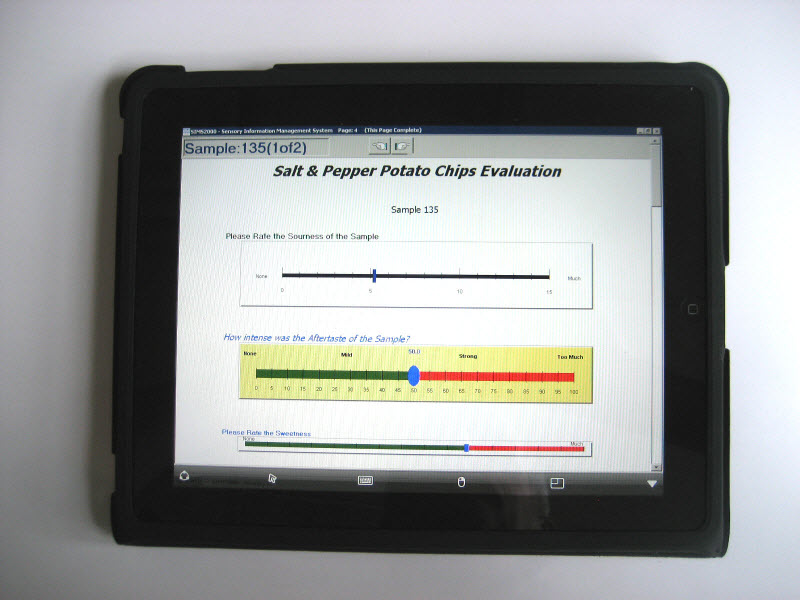
Hedonic Category Scales Examples 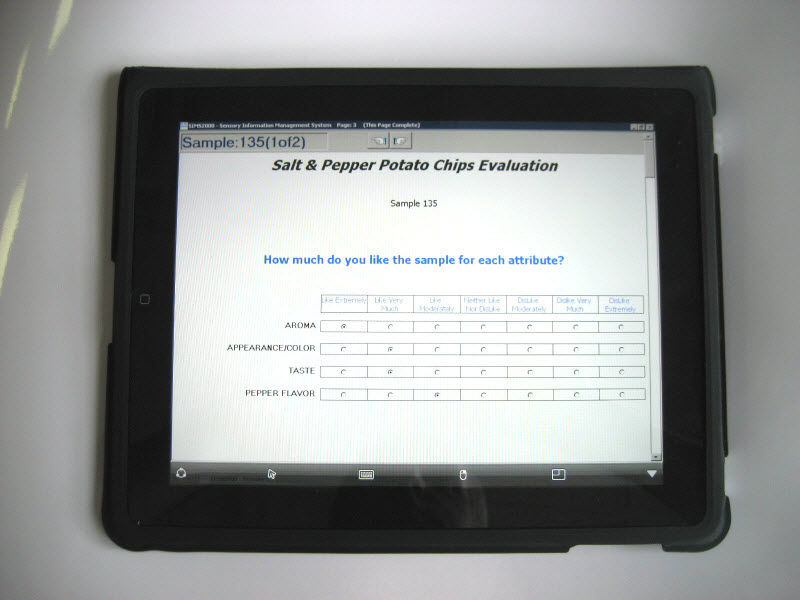
Set up your RDS host to Auto Start your SIMS Panelists in A1Panel Room upon iPad logon. 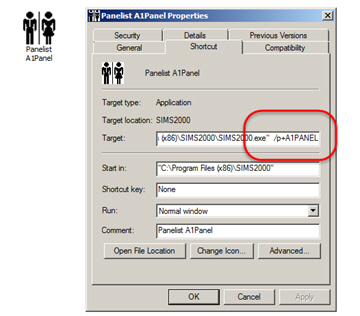
If you have any question, please call us at (800) 579-7654 or send us an Email Message |